

Configure how search works on your published Docfiy site. These settings only affect in-product search, not Google or other external engines.
Maximum search results
Control how many results the search bar returns per query. The default is 6. You can set any value between 1 and 100.
Open Settings → Search in the dashboard, set Maximum search results, then Save changes.
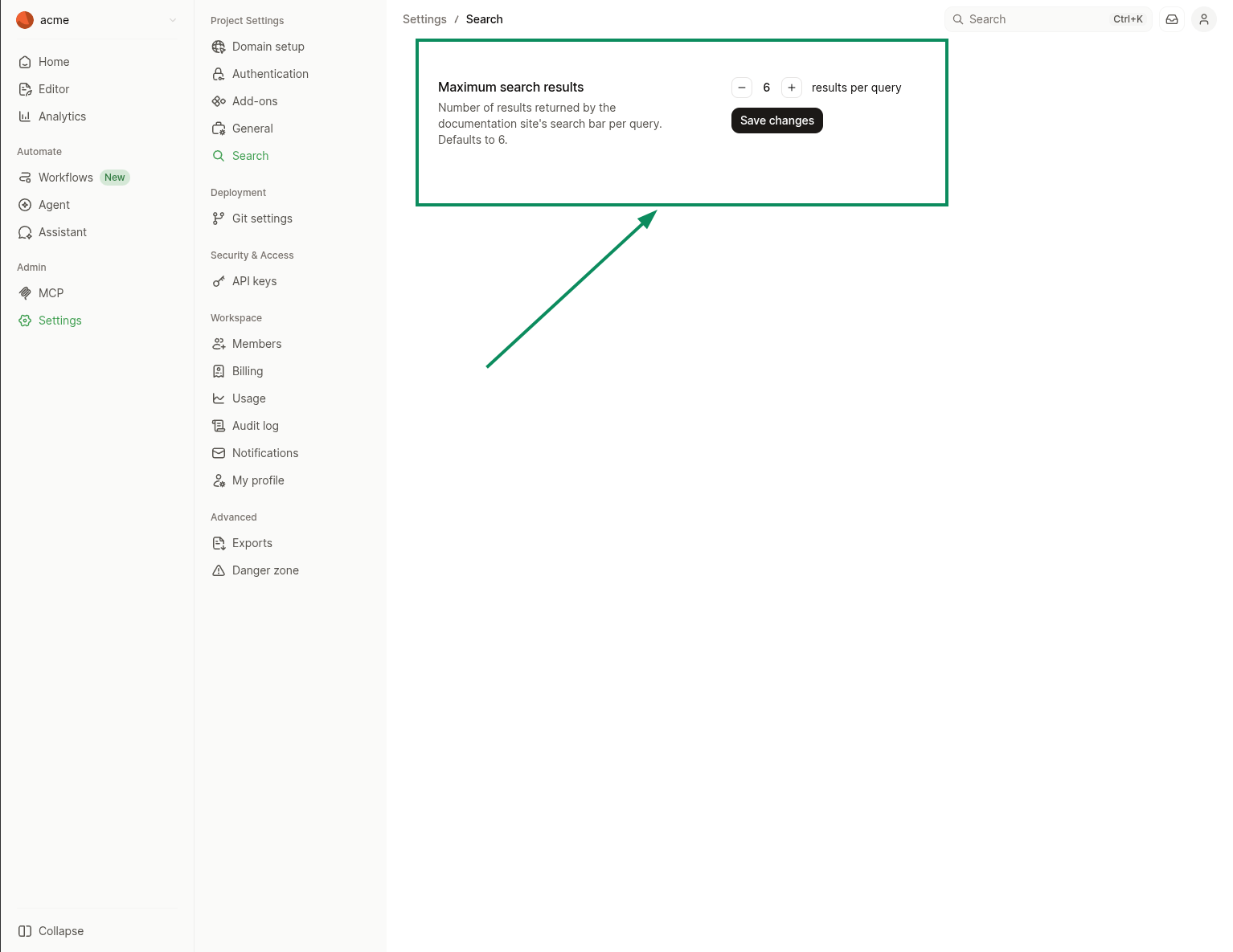
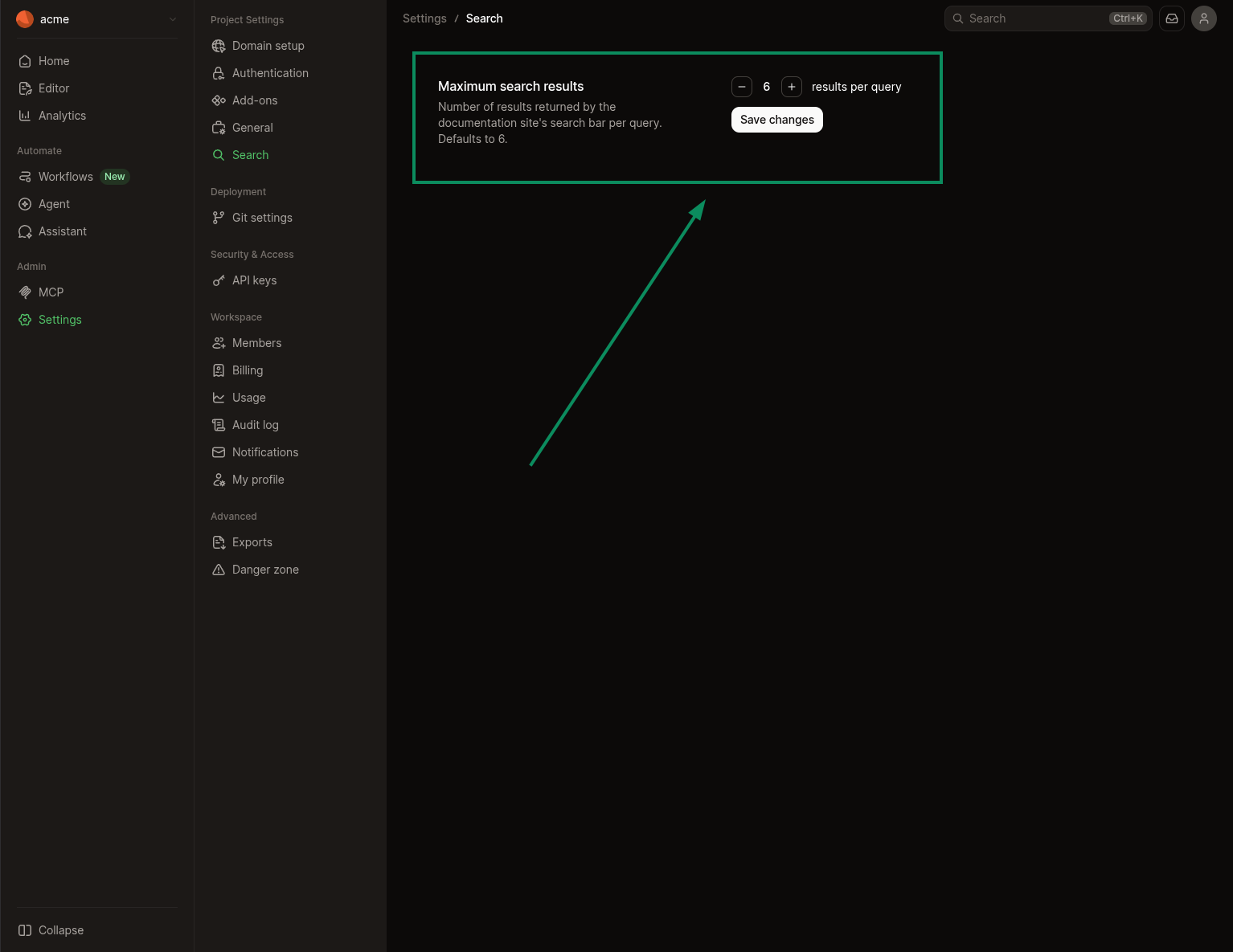
Higher values show more matches per query. Lower values keep the results panel compact.
Boost a page
Optionally set boost in a page’s frontmatter to raise or lower its ranking in Docfiy search:
Use a value below 1 to de-prioritize a page (for example boost: 0.25).
Use boosts sparingly. Large multipliers can push less-relevant pages to the top.