

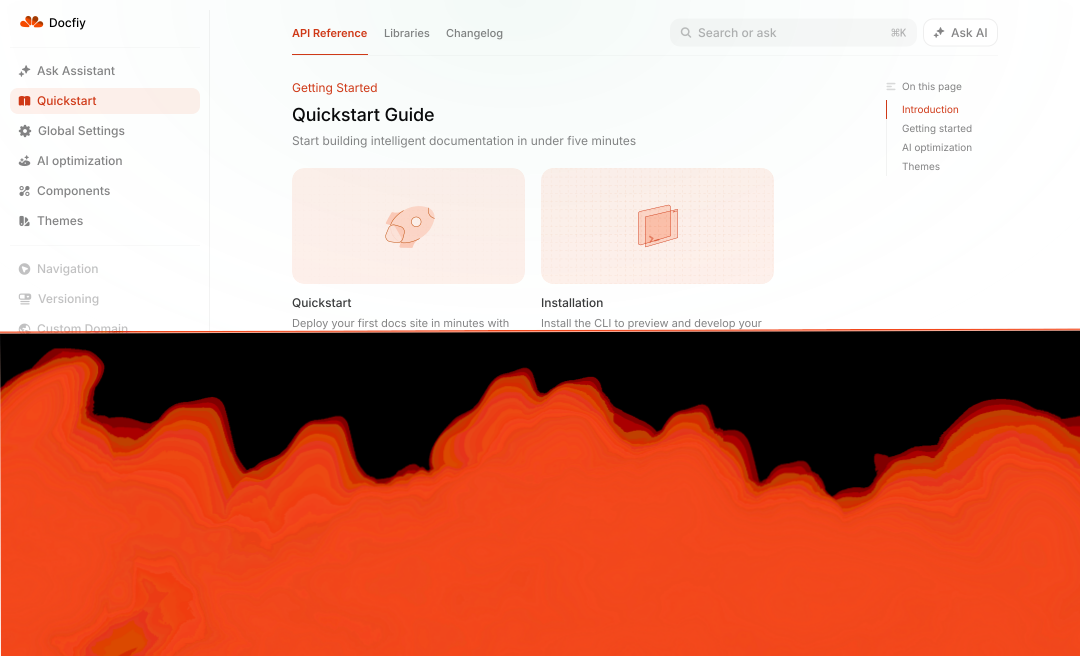
Docfiy ships one documentation layout — the Docfiy starter. When you crawl a website or create a blank site, your pages are published in this shell. You customize branding from the dashboard; you don't pick between multiple theme templates.
What you can customize
Open Editor → Site settings → Styling in the dashboard to adjust:
- Primary color — Links, buttons, and accents across your site
- Light accent — Secondary highlight color (especially in dark mode)
- Logo — Light and dark variants for the header
- Favicon — Browser tab icon for light and dark mode
These settings apply on top of the starter layout — the sidebar, typography, and page structure stay consistent so your docs always feel cohesive.
Logo & favicon
Upload light and dark logo variants plus favicons so your site looks correct in both color schemes.