

Configure how the search bar on your Docfiy-hosted documentation site behaves. These settings only affect in-product search. They do not change how external search engines index your pages.
Boost search ranking
Use boost to bias the in-product search ranking of specific pages or sections. The value is a numeric multiplier applied to each chunk's relevance score: boost: 3 makes a chunk three times as relevant as it would be without a boost.
Boost a single page
Set boost in a page's frontmatter to multiply its search ranking.
Boost a navigation group
Set boost on a group in your docs.json navigation to apply the multiplier to every page under it.
A page inherits the boost factor from its nearest ancestor that sets one. A child page or nested group can override the inherited boost by setting its own boost value. A page's frontmatter boost always wins over a value inherited from the navigation.
De-prioritize content
Use a value below 1 to push pages further down in search results. For example, boost: 0.5 halves a page's relevance score relative to other pages. A boost of 1 is equivalent to no boost.
Boost factors compose with the existing relevance score. Use them sparingly. Large multipliers can cause less-relevant pages to dominate search results and degrade overall search quality.
Maximum search results
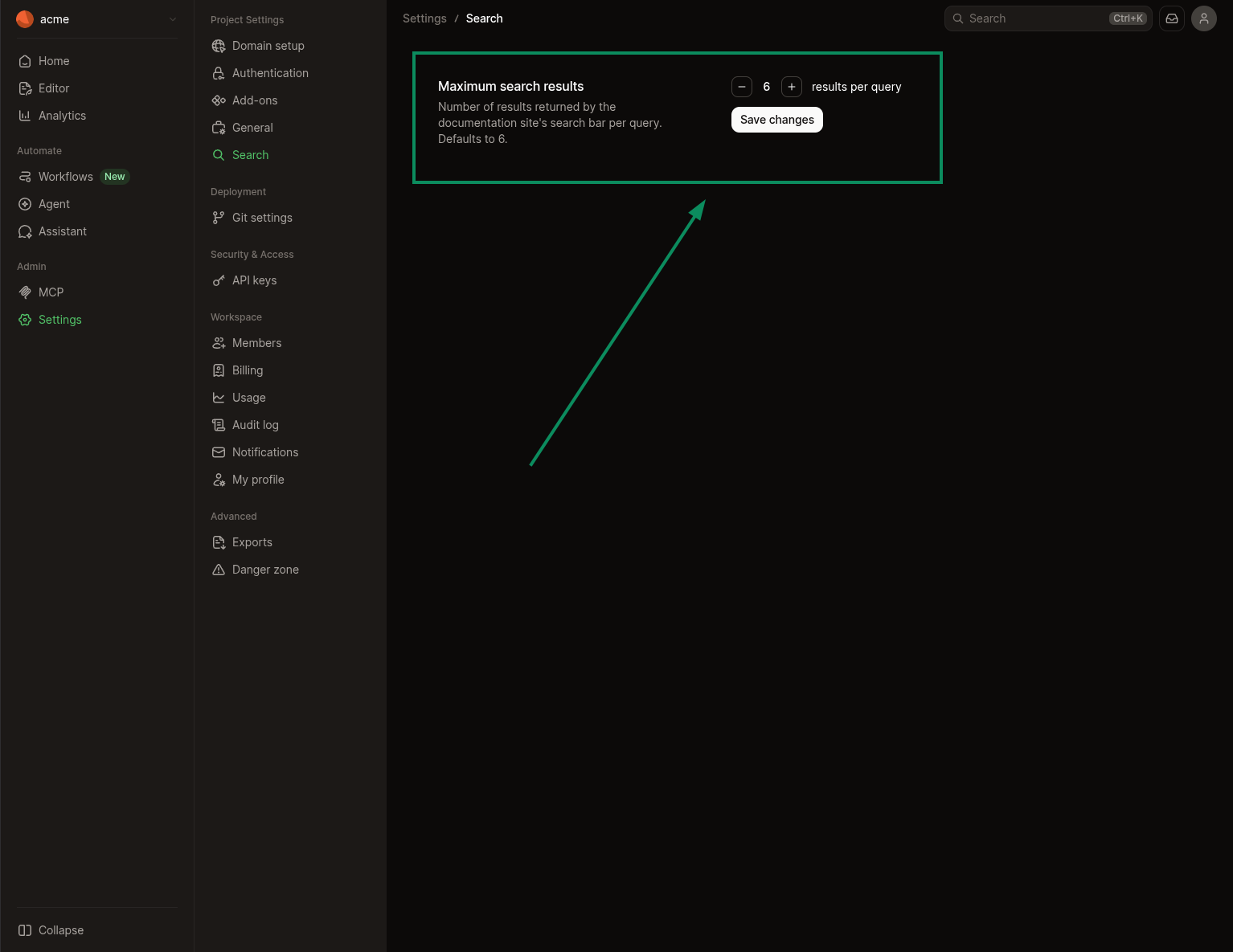
Control how many results the search bar returns per query from your dashboard. The default is 6 results. You can set any value between 1 and 100.
In your dashboard, navigate to Settings > Deployment > Search, set Maximum search results to the value you want, and select Save changes.
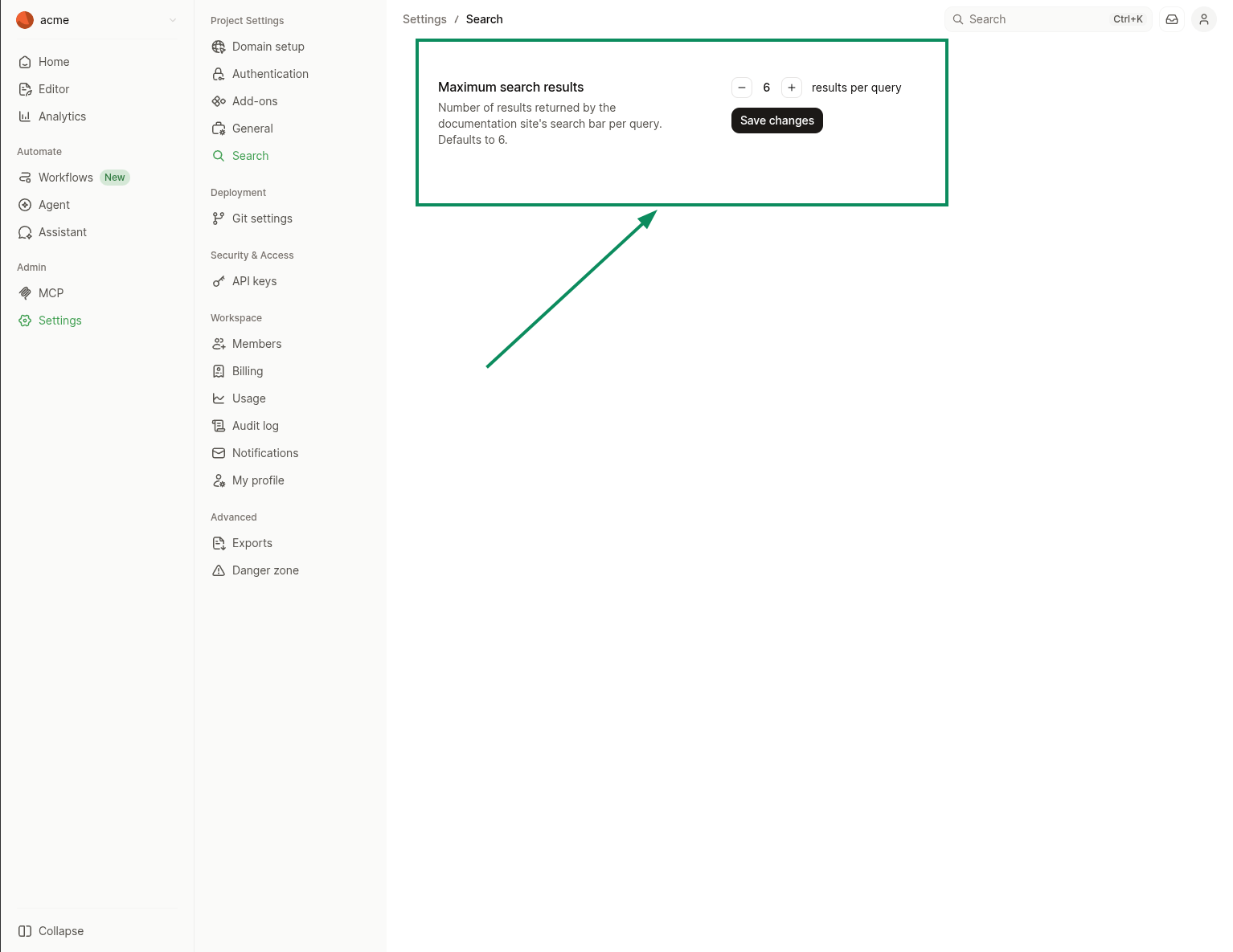
Higher values surface more matches per query, which is useful for sites with broad topic coverage where users expect to scan many candidates. Lower values keep the results panel compact and push users toward the top-ranked match.